
On this page
Your needs, this model
Does it fit your priorities?
What minimum tabletop length must the chosen configuration support?
This exact complete Duo plan includes a 48-inch-long top; larger or shorter size choices are separate selector configurations.
Explore this need in the finder →What minimum desktop depth must the chosen desk support?
This plan's exact included surface is 24 inches deep; verify this is enough for the actual monitor stand, keyboard and work area.
Explore this need in the finder →What is the highest acceptable minimum desktop-surface height?
The manufacturer specifies a 28-inch minimum finished work-surface height for this Duo size; this does not establish a lower bare-frame endpoint.
Explore this need in the finder →The Branch Duo with a Woodgrain laminate top, white legs and 48 × 24-inch desktop is the middle size in the three-size family. It is 12 inches wider than the 36-inch model without taking the 58 × 27-inch version’s extra depth. Branch names it as a size that can fit two monitors.
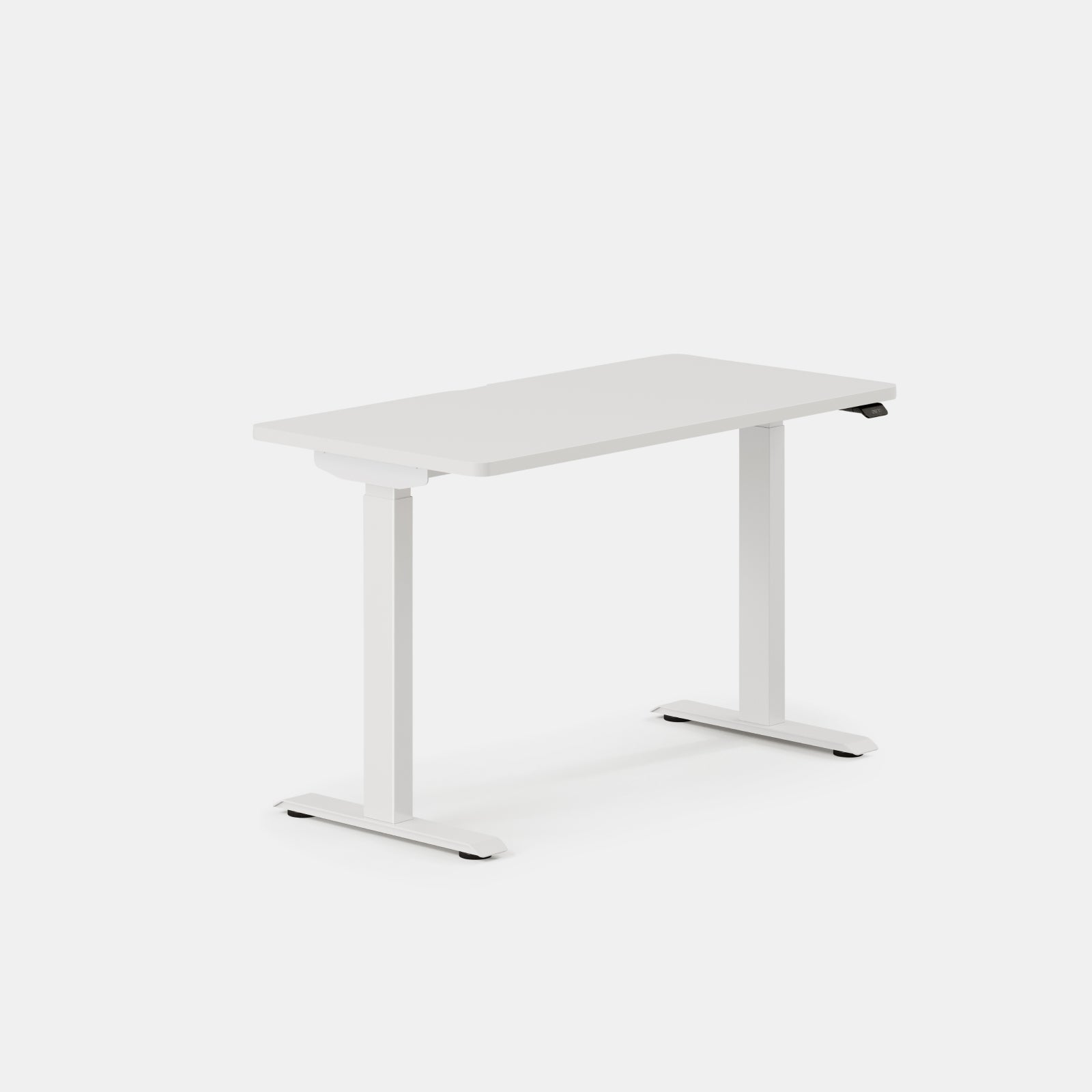
The official image above shows the exact White / White 48 × 24 inches selector (SKU 10-10-05-20, variant 39960305303587), not the Denim top. The same-size selector lists Denim with White (10-10-05-103), Eggshell (10-10-05-106), Sage (10-10-05-108), Charcoal (10-10-05-107), and Black (10-10-05-105) legs. The feed provides no featured image for these Denim entries; Branch’s family materials line says laminated MDF or oak veneer but does not identify which applies to Denim. Treat the image as a same-size family view, not a Denim depiction, and leave the exact Denim material unconfirmed. Optional accessories are not pictured.
Exact top, range and moving system
This is a complete desk with a 48-inch-wide, 24-inch-deep desktop selected in Woodgrain laminate and white legs. The U.S. selector separately lists Natural Oak, but the available material statement does not identify whether that exact option is laminate or oak veneer. Do not infer its substrate from the color name. The official dimensions list the working surface from 28 to 47.3 inches above the floor, a 19.3-inch adjustment range. That is a completed desk height, not a frame-only range, so use it directly when checking whether your seated posture can be set low enough and your standing posture high enough.
The Duo uses two lifting columns and dual motors, with manufacturer-listed collision detection, an OLED paddle, two memory positions and programmable reminders. Branch states 1.3 inches per second and less than 50 dB; these are published ratings, not independent speed or sound measurements. The product page also states a 275-pound lift capacity/weight limit. It does not define a static or dynamic test basis or clearly resolve whether that number is usable payload after the top and accessories. For a load-critical setup, do not substitute that number for a documented static rating; this review leaves those stricter categories unconfirmed.
What changes at 48 inches
Compared with the 36-inch desk, this top gives extra left-to-right room for a larger monitor footprint, speakers or paper notes. Branch’s FAQ says the 48- and 58-inch Duo sizes can fit two monitors; that statement is useful but not a guarantee for every stand, monitor arm or screen combination. Measure the bases or clamp locations, inspect the back edge and cable routes, and include the keyboard and mouse space you use. The 24-inch depth remains compact relative to the 58 × 27 model, so users with deep monitor stands or bulky peripherals should verify front-to-back clearance as well.
The assembly manual gives a size-specific distinction: the straight extension cable is for 48-inch desks only. It routes that cord with the leg and handset wiring into the control box and instructs the owner to initialize the desk before use. That is not a reason to avoid the 48; it is a practical note to follow the right instructions during setup instead of treating every Duo manual diagram as identical. The handset can be mounted to the left or right, so decide which side works with your chair approach and cable path before assembly.
Daily use and ownership considerations
Two presets can store a seated and a standing position, and the manual explains double-tapping the paddle to move to a saved position. A reminder can be configured to provide a vibration and/or screen alert. Those controls are more useful if you actually want a deliberately simple two-position routine; users needing more saved positions should compare a different desk before buying rather than expect a software upgrade to add memories. Branch says app functions for tracking or scheduling standing require a separate Bluetooth Adapter. The adapter is not part of the selected Woodgrain/white desk configuration described here.
The manual’s safety notes are worth taking seriously: have two people assemble and turn over the desk, keep electrical parts dry, do not sit or stand on the top, and check that cables remain long enough through the full travel. Cable clips are shown in the included hardware, while the tray, cable organizer, power module and drawer are optional. The maker lists a ten-year warranty; review its current terms and exclusions for the specific purchase before relying on the headline period. The top is described as laminated MDF and powder-coated steel is used in the structure; no independent scratch, spill or stability testing is claimed here.
How to decide
For a smaller room, the 36 × 24 model saves width but gives up equipment space. For a 48 × 24 Duo, confirm the available 48-inch width and 24-inch depth, plan your monitor layout, and check both end heights against the people using it. Choose the 58 × 27 only when you can use the additional depth and width; the product page warns that the Large Desk Tray is incompatible with that size. A buyer who wants built-in connectivity or a larger frame range can compare Branch’s separately listed Tria, while someone who needs four legs or a corner return should look at Branch’s other standing-desk families. Do not treat those models’ features as Duo features.
The manufacturer’s selector lists this Woodgrain / 48 × 24 top with Eggshell legs (SKU 10-10-05-116), Sage (10-10-05-68), Charcoal (10-10-05-12), or Black (10-10-05-84), alongside White legs on Woodgrain (SKU 10-10-05-10) and the White / White selector (SKU 10-10-05-20). Black Oak selectors at this size include Eggshell (SKU 10-10-05-120), Sage (10-10-05-74), Charcoal (10-10-05-73) and Black (10-10-05-75). These finishes retain the same top size; choose leg finish for appearance, not a different fit claim. The image above shows White / White (SKU 10-10-05-20), not Woodgrain / White.
This exact configuration is a reasonable shortlist candidate when two-monitor width matters but a 27-inch-deep surface would crowd the room. Its documented height range and two presets are clear; its load-rating basis and any unselected accessory contents are not. Check the actual order selector, measure the workstation, and use the 48-inch assembly guide to resolve the wiring and setup details. If 24 inches of depth or 48 inches of width is the constraint, compare the 36 × 24 Duo, the 58 × 27 Duo, and the size comparison guide.
Cycle 183 selector finishes
For this 48 × 24 inches size, the official feed lists Charcoal and Natural Oak top colors, each with White, Eggshell, Sage, Charcoal or Black legs. The Charcoal / White, Sage, Charcoal and Black selectors have exact feed-bound product images shown below; Charcoal / Eggshell and the five Natural Oak selectors have no exact featured image in the archived feed. The same-size White / White image at the top of this review is only a family reference for those missing-image choices. The product page says the Duo family uses laminated MDF or oak veneer but does not assign Natural Oak to either substrate, so this selection remains unknown for material-dependent needs. Color alone is not a fit filter; check the exact SKU and package in the order selector.
Exact Charcoal top images for 48 × 24 inches
These official images depict the Charcoal top with four leg colors in the listed exact size. Optional accessories are not pictured; Branch does not disclose whether these views are photographs or renderings.
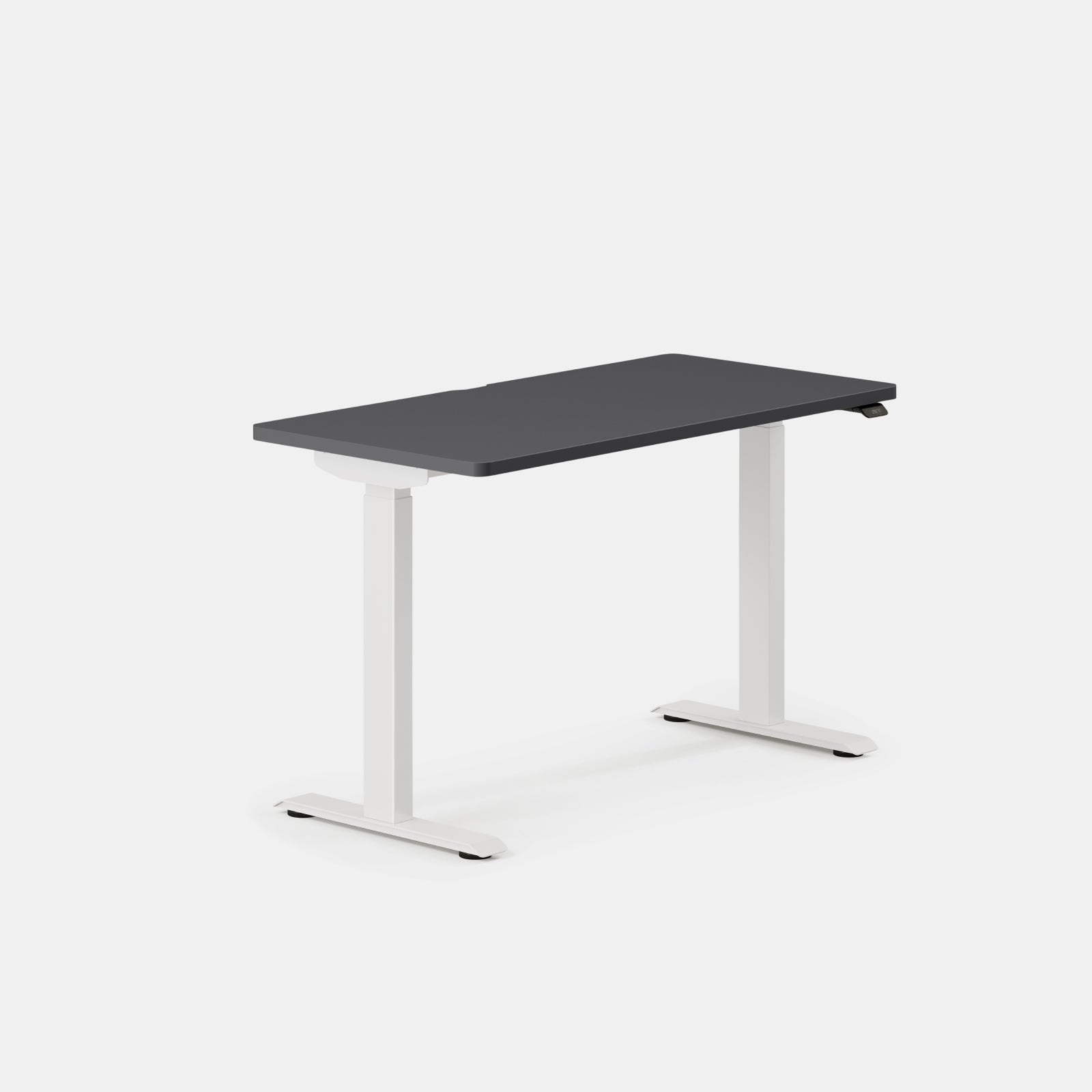
Image source and model notes
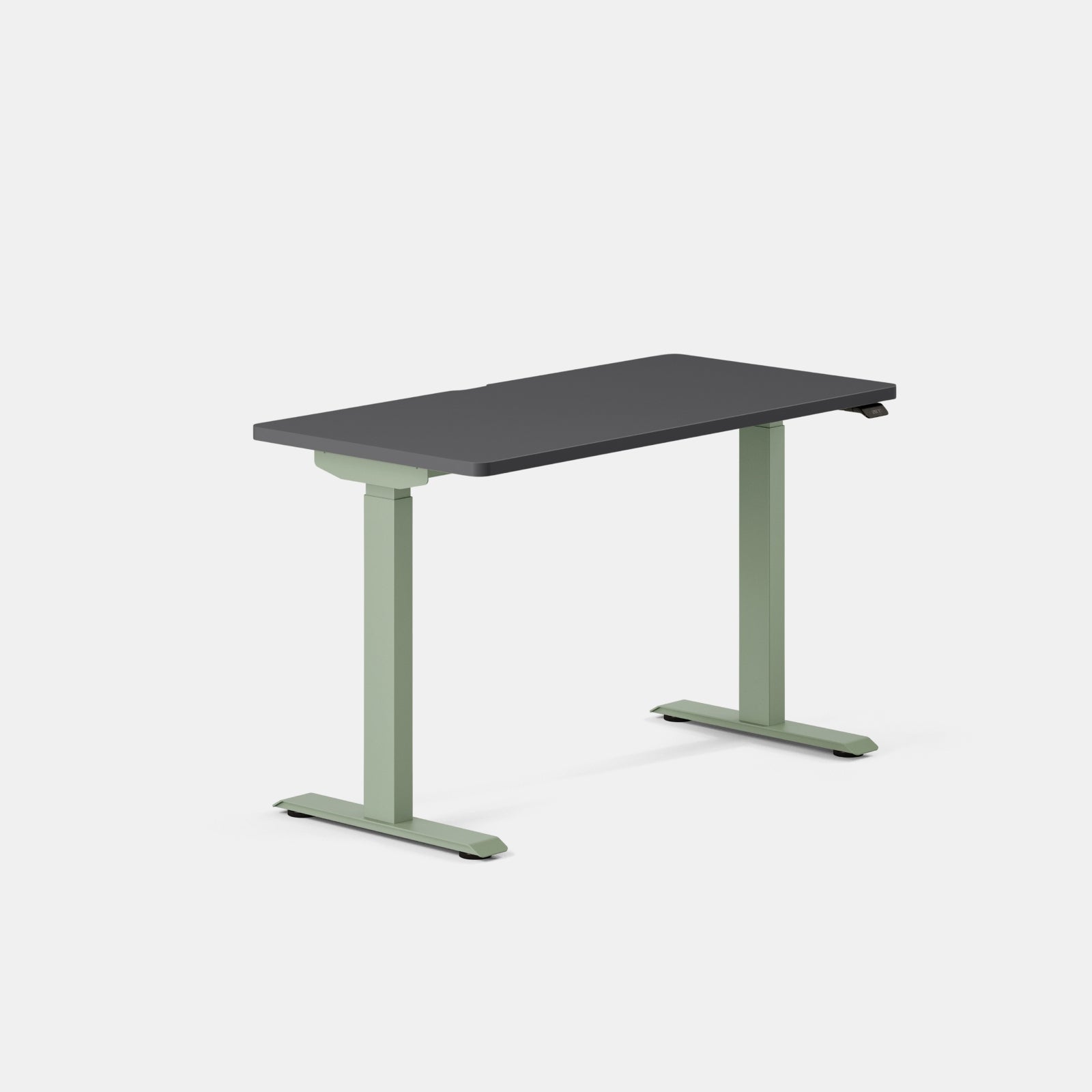
Image source and model notes
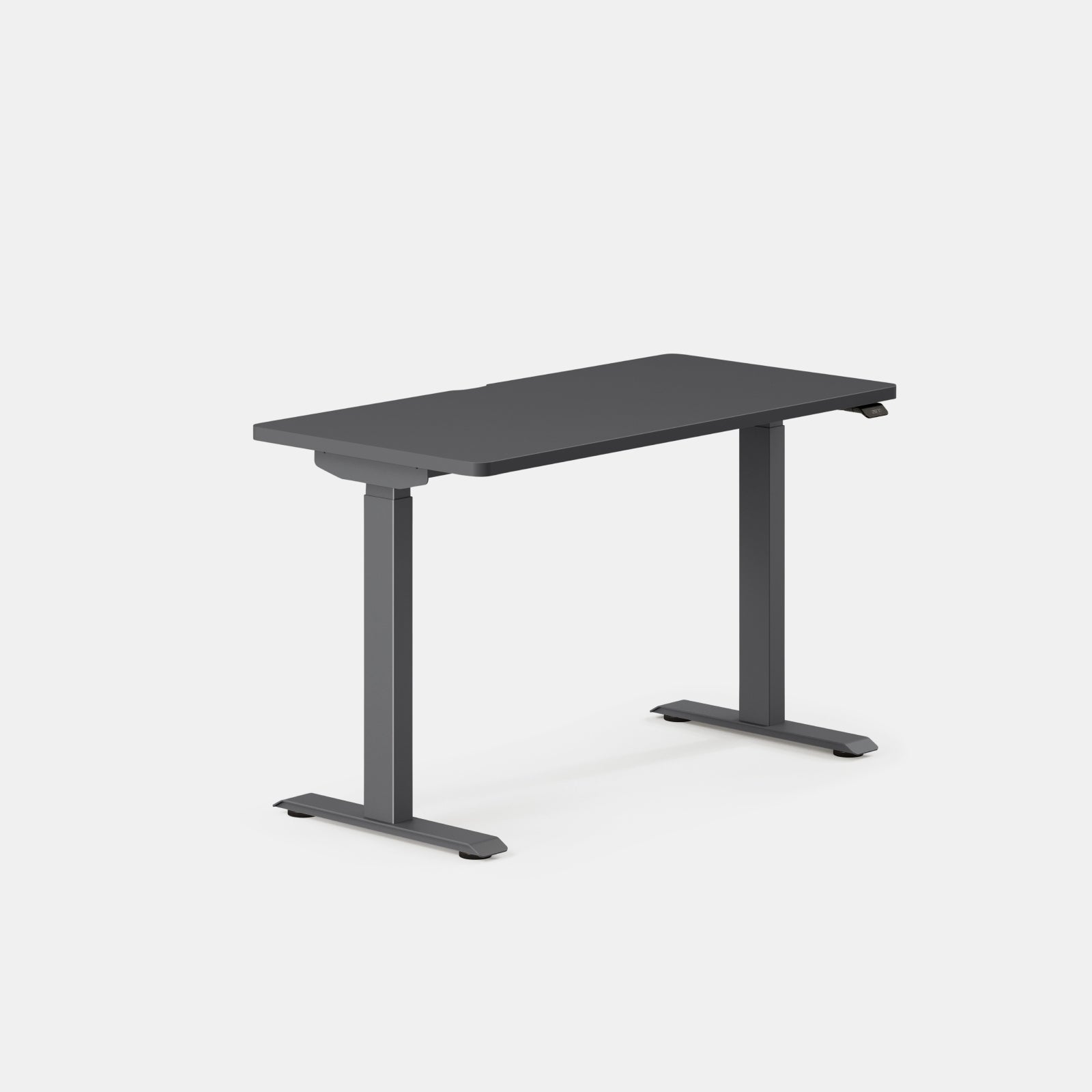
Image source and model notes
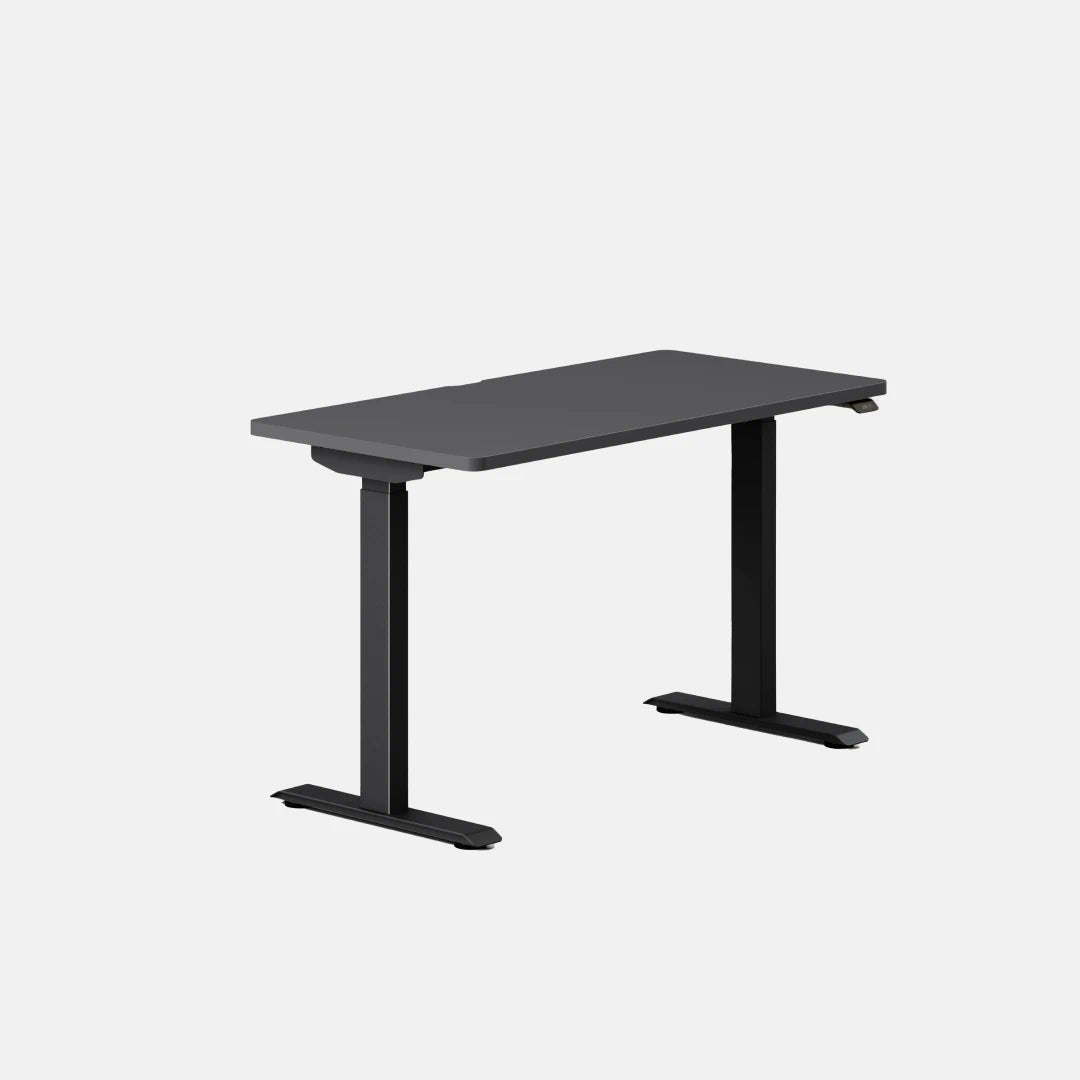
Image source and model notes
Key details at a glance
| Leg count | 2 |
|---|---|
| Motor count | 2 |
| Minimum supported desktop width | 48 in |
| Maximum supported desktop width | 48 in |
| Minimum supported desktop depth | 24 in |
| Maximum supported desktop depth | 24 in |
More specifications and setup details
| Programmable height presets | 2 |
|---|---|
| Cable tray included | No |
| Published frame and mechanism warranty | 10 years |
| Frame layout | two-leg |
| Minimum working-surface height with desktop | 28 in |
| Maximum working-surface height with desktop | 47.3 in |
| Built-in drawer included | No |
| Built-in AC/USB power panel | No |
| Built-in AC outlets | 0 |
| Documented desktop material | laminate |
Use the exact model’s instructions for operating limits, supplied equipment and version differences.
Sources for this assessment
- Branch Duo Standing Desk U.S. product page
- Branch U.S. standing desk collection
- Branch Duo official product variant JSON feed
- Branch Duo Standing Desk specification sheet
- Branch Duo Standing Desk Assembly Guide and User Guide, v1.0 dated 2025-02-24
- Branch Duo manufacturer image for 48 × 24 inches Woodgrain / White selected variant
- Branch Duo exact Black Oak / White 48 × 24 inches selector image
- Branch official U.S. Duo Black Oak / Charcoal / 48 × 24 inches selector row
- Branch feed-linked Black Oak / Charcoal / 48 × 24 inches image source
- Branch official U.S. Duo selector: Black Oak / Black / 48 × 24 inches
- Branch manufacturer image for Black Oak / Black / 48 × 24 inches
- Branch Duo selector image: White / Sage / 48 × 24
- Branch Duo selector image: White / Charcoal / 48 × 24
- Branch Duo selector image: White / Black / 48 × 24


Choose a desk around your real setup.
Start with whether you need a complete desk or a converter for an existing fixed desk, then choose the support layout and surface package. Add exact height, top and cable constraints only when they matter.