
Your needs, this model
Does it fit your priorities?
Would USB charging ports built into the keypad be useful at this desk?
The FRM715 plan includes USB-A and USB-C charge-only ports at the front keypad. Each supports up to 18W alone, but both together are limited to 5W each. If you need data transfer or an AC outlet, this is not that feature.
Explore this need in the finder →Do you prefer a keypad mounted flush along the desktop edge?
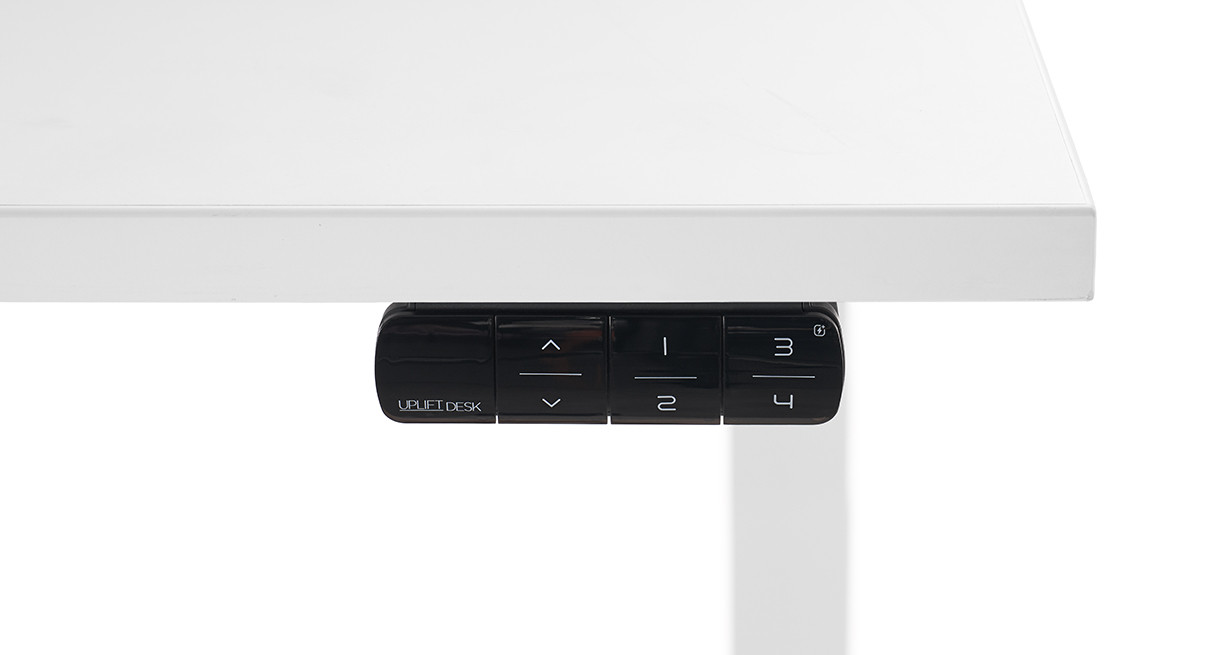
This exact FRM715 selection is labeled flush-mounted. It is not the upward-facing angled controller; if you need the angled face, select that requirement instead.
Explore this need in the finder →How many saved heights must this keypad provide?
The manufacturer lists four positions. A minimum of four is supported; a requirement for five is not.
Explore this need in the finder →This is one exact UPLIFT Clearance setup: a 42 × 30 × 1-inch Black Laminate top, black V3 C-frame, FRM715-BLK keypad with USB (selector 20668), and no desktop grommet. Its flush four-height controller adds USB-A and USB-C charging ports; other selector sizes and frames are not reviewed here.
A charger where you can reach it
The FRM715 makes sense when a phone or small device is often charged at the desk and you want the cable to plug in close to the user instead of reaching for a wall adapter or a separate power module. The U.S. product page lists one USB-A and one USB-C port in the keypad. Each port can supply up to 18 watts when used alone, but the specification lowers the maximum to 5 watts per port when both are used at once. That is a meaningful tradeoff: two connected devices can be convenient, but the ports do not keep their single-device ceiling together. They are for charging, not data transfer, so they are not a dock or a way to connect a monitor or computer accessory. Charging results also depend on the device and its cable; the desk's keypad is not a promise of a particular charging time.
Advanced movement controls remain part of the package
Adding the ports does not reduce the four-height memory feature. UPLIFT lists four saved positions, one-touch movement to a stored height, constant-touch and double-tap options, a lock, adjustable anti-collision sensitivity, upper and lower limits, a height display, calibration, and inch-or-centimeter display units. The display reads height to a tenth of an inch or centimeter. Stored positions help repeat transitions, but still check obstacles through the full travel; anti-collision settings cannot guarantee detection.
The keypad sits flush at the desktop edge, unlike the upward-tilted FRM066. Compared with FRM703 it adds USB charging to a similar flush/advanced-control layout. Choose FRM066 for an angled face; FRM055 has a paddle and two documented positions, while FRM076 adds RGB lighting but also lists two. Do not assume those alternatives provide FRM715’s ports or four memories.
Install and reset the controls as instructed
The FRM715 instructions show attachment holes on both the left and right sides of UPLIFT desktops, so you can choose which side to reach. The manual calls for two #10 × 5/8-inch wood screws supplied with the desk, advises against overtightening, and directs the keypad cable to the control box port marked “HS.” If you relocate it or use a desktop without prepared holes, the optional drilling guidance says not to drill deeper than one-half inch. Treat that as a strict limit, not a suggestion to drill into the finished surface; the included top is one inch thick, but measure before making any alternate hole.
Before normal use, the manual requires a desk reset: lower to the bottom, hold down again until the display changes, and hold once more for the slight down/up movement. Detailed settings and programming are linked online rather than laid out in this short booklet. Route the 81.5-inch keypad cable so it can travel with the desktop without snagging. For an existing UPLIFT desk, compatibility matters: the FRM715 page says a new desk supplied with its compatible control box is straightforward, but replacements on older N-type boxes may need an NH-type box. Check the exact replacement guidance before buying a controller alone.
Do not confuse keypad USB with a powered desktop
This selected Clearance plan has no grommet opening or chosen power accessory. The USB ports are in the control keypad, not a flush-mounted desktop outlet panel, and their published use is charging only. If you need AC outlets or a separate desk-surface power module, choose that requirement separately; a USB-capable keypad does not satisfy it. The one-inch desktop is fixed at 42 inches long by 30 inches deep, so measure that whole rectangle for the room, chair clearance, and any nearby walkway.
The shared V3 C-frame specification gives a 21.6–47.7-inch bare-frame height range and 355 pounds of lifting capacity including the desktop. Those are not the exact finished-surface endpoints or a static equipment-load rating; no usable payload remains established after accounting for this top and any equipment. If low seated height, exact standing-surface reach, or a static load number is essential, this configuration cannot be treated as meeting an unknown threshold.
Who should shortlist this exact version?
Shortlist it when the measured 42 × 30 top fits, you want a flush-mounted controller with four memory positions, and reachable charging ports are genuinely useful. In the finder, requiring USB charging at the keypad selects this FRM715 configuration; it does not select desks just because they have a different grommet or an AC/USB panel. A five-memory requirement, angled-keypad requirement, or a must-have static-load number should steer you away or leave the configuration unqualified. A shopper who never charges from the desk can leave the USB question open and compare controller styles without making the charger decisive.
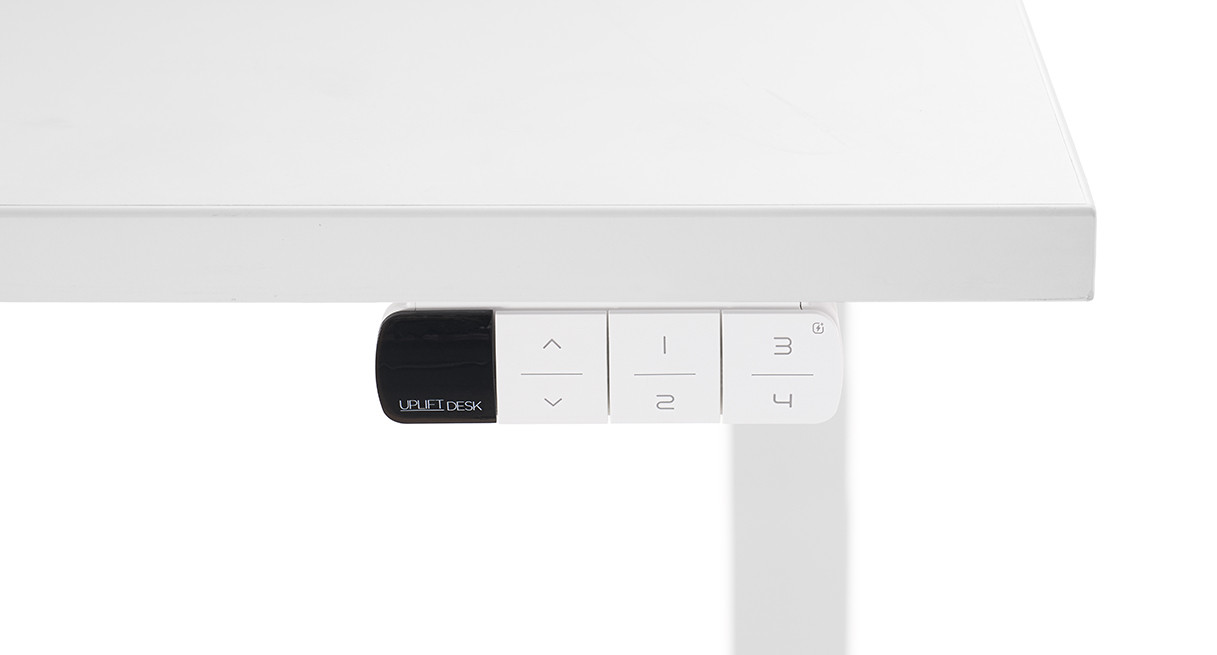
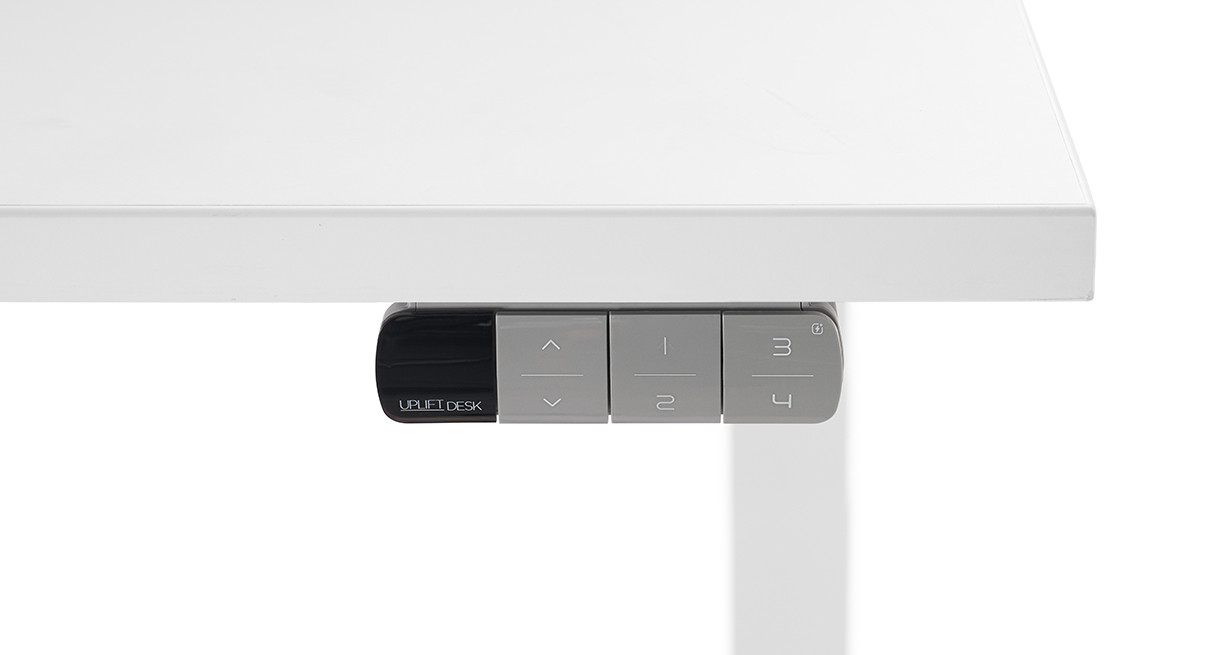
This is a source-based assessment, not a hands-on test of charging performance, lift noise, wobble, assembly time, or long-term durability. Consult the U.S. Clearance selector, the FRM715 product page, its instructions, specification sheet, and control-box compatibility chart. The white and gray images below depict FRM715 housing-color options only, not alternate desk tops or full desk finishes.
Key details at a glance
| Minimum frame height without desktop | 21.6 in |
|---|---|
| Maximum frame height without desktop | 47.7 in |
| Leg count | 2 |
| Motor count | 2 |
| Narrowest frame width | 41.3 in |
| Widest frame width | 72.2 in |
| Minimum supported desktop width | 30 in |
| Maximum supported desktop width | 30 in |
| Programmable height presets | 4 |
| Cable tray included | No |
| Magnetic fabric cable cover included | No |
| Frame layout | rectangular |
| Built-in AC/USB power panel | No |
| Documented desktop material | laminate |
Use the exact model’s instructions for operating limits, supplied equipment and version differences.
Paper, software and setup details
Desktop and configuration note
This exact selection includes the fixed 42 × 30 × 1-inch Black Laminate desktop, black two-leg V3 C-frame, black FRM066-BLK Advanced Comfort Angled Keypad and the no-grommet choice. It does not include a selected powered grommet or built-in outlets, USB charging or cable tray.
Load-rating interpretation
The exact V3 C-frame specification states 355 lb lifting capacity and the maker says desktop weight is included. The reviewed sources do not establish a static equipment rating or usable payload for the selected top/frame plan.
Operating and setup note
UPLIFT lists four saved positions for FRM715 and the product page identifies keypad lock, adjustable anti-collision, one-touch, constant-touch and double-tap movement modes, upper/lower limits, height display and calibration, and inch/centimeter units. The display reads height to one tenth of an inch or centimeter. Its flush mount is at the front desktop edge. USB-A and USB-C ports provide up to 18W each when used alone, or up to 5W each when used simultaneously; the spec sheet says charging only, not data transfer. The two-page manual specifies the post-assembly reset, H14 screws at predrilled left/right locations or a maximum 1/2-inch pilot depth for alternate placement, and cable connection to the HS port. The sheet lists 81.5-inch cable, molded ABS housing and 15-year warranty. The exact new-desk plan is compatible; keypad replacement on an older UPLIFT desk may require control-box review.
Sources for this assessment
- UPLIFT Clearance Standing Desk selector — exact 42 × 30-inch Black Laminate / V3 C-frame / FRM715-BLK / no-grommet plan
- UPLIFT Advanced Keypad with USB (FRM715) product page
- UPLIFT FRM715 Advanced Keypad with USB assembly instructions
- UPLIFT FRM715 Advanced Keypad with USB specification sheet
- UPLIFT FRM715 control-box compatibility chart
- UPLIFT V3 Standing Desk FV3-200 C-frame instructions
- UPLIFT V3 C-frame specification sheet
- UPLIFT Clearance selector FRM715-BLACK option 20668 image
- UPLIFT Clearance selector FRM715-WHITE option 20669 image
- UPLIFT Clearance selector FRM715-GRAY option 20670 image


Choose a desk around your real setup.
Start with whether you need a complete desk or a converter for an existing fixed desk, then choose the support layout and surface package. Add exact height, top and cable constraints only when they matter.