
Your needs, this model
Does it fit your priorities?
Do you specifically need a keypad that sits flush at the desktop's front edge?
UPLIFT identifies this exact FRM703-BLK selection as a flush-mounted keypad and describes raised molded-rubber dividers between buttons. If flush placement is essential, this setup fits; the RGB lighting of a different keypad should not be assumed here.
Explore this need in the finder →How many saved heights must the keypad provide?
UPLIFT lists four saved heights for FRM703. That supports up to four stored positions, not a five-position minimum. The keypad changes controls only; it does not add lifting columns.
Explore this need in the finder →Can a fixed 42 × 30-inch included top fit your measured work area?
This exact package includes a 42-inch-long by 30-inch-deep Black Laminate desktop. It suits a measured rectangle at least that large but will not fit a 43-inch minimum top length.
Explore this need in the finder →This assessment is for one exact UPLIFT Clearance setup: the fixed 42 × 30 × 1-inch Black Laminate top, black two-leg V3 C-frame with standard feet, no desktop grommet holes, and black FRM703-BLK Advanced Comfort Flush Keypad (selector value 12041). The top, frame, grommet choice and controller all matter; other selector choices are not part of this recommended plan.
What makes the FRM703 different
The FRM703 is worth choosing when the feel and placement of the controls matter as much as memorized positions. Its keypad sits flush at the desktop’s front edge instead of protruding at an angle. UPLIFT describes molded-rubber dividers between buttons, giving tactile landmarks for someone who wants to find a control without looking down. Four numbered memory buttons store more positions than the two-position FRM055 paddle or FRM076 RGB keypad. Those presets can serve tasks or colleagues, but users still need to set and check their own comfortable heights.
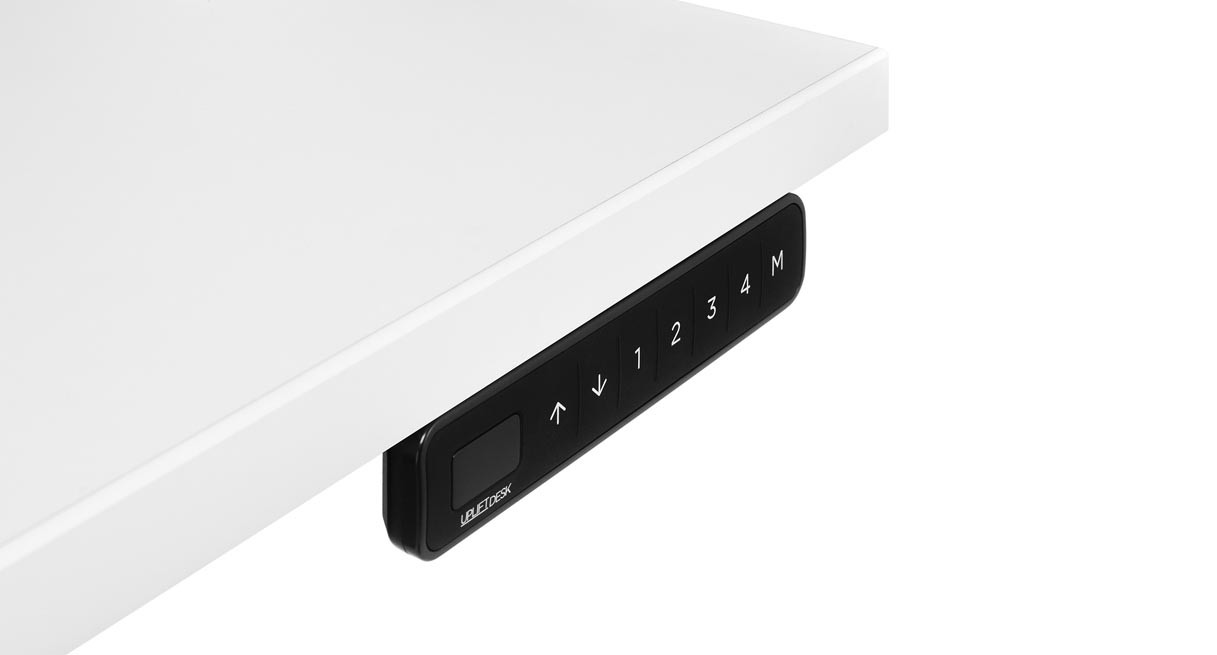
Three keypad colors, one control family
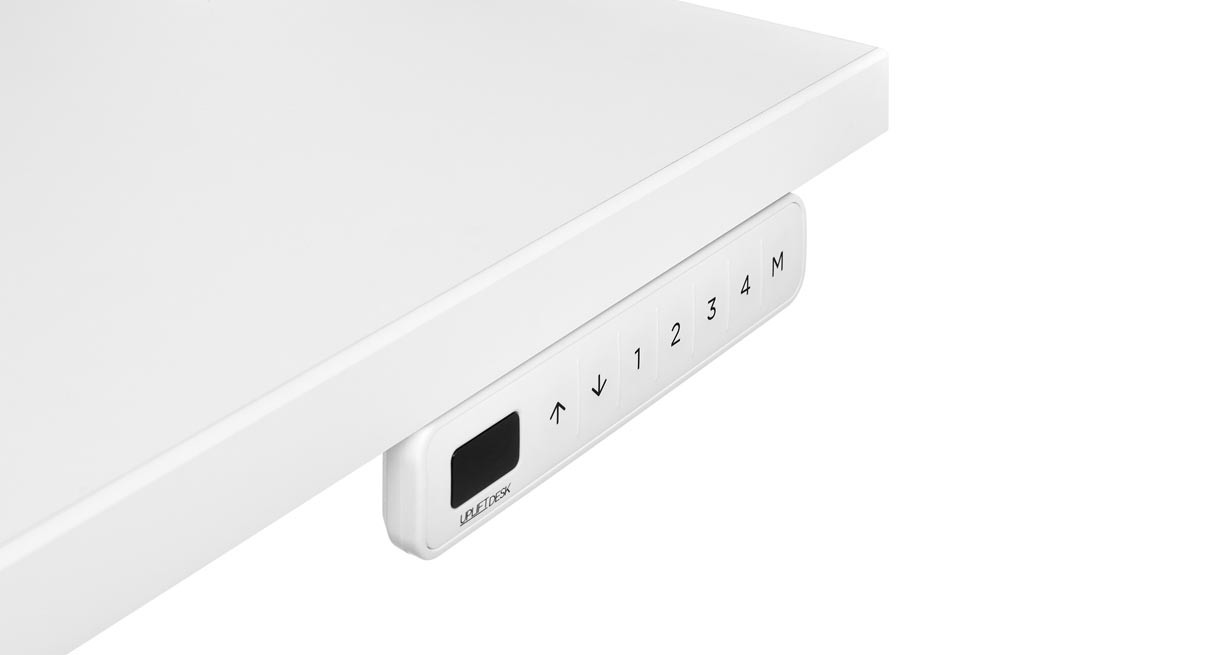
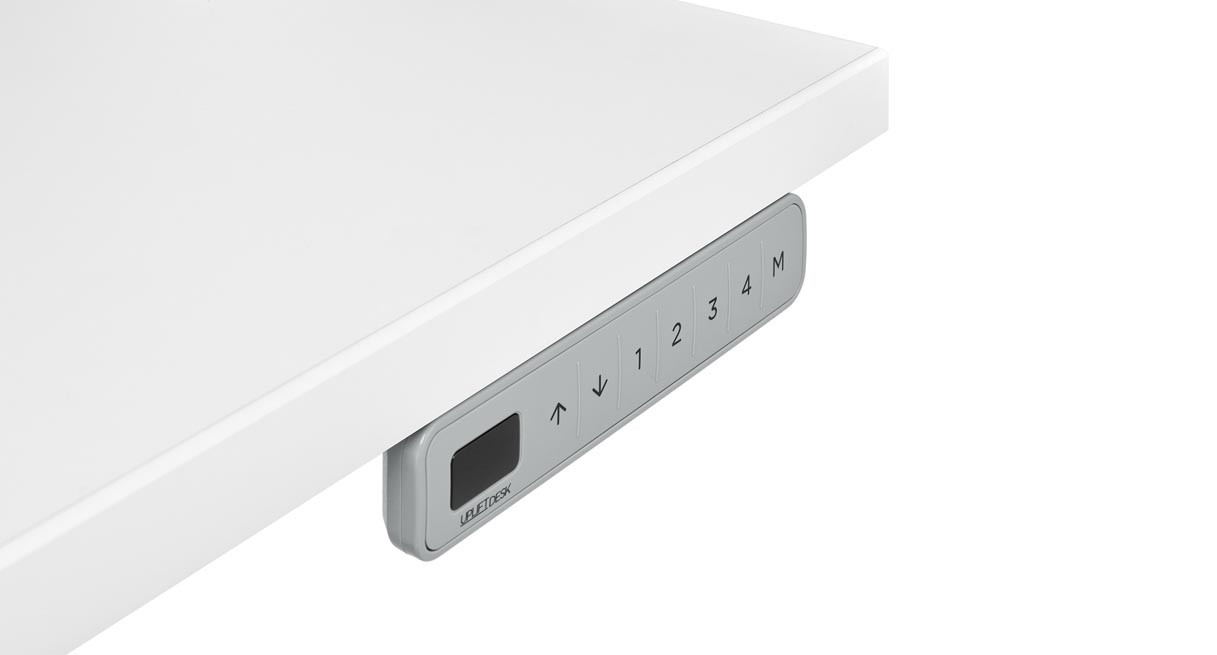
The selector also lists FRM703-WHT (white, option value 12042) and FRM703-GRY (gray, value 12043). Both are labeled Advanced Comfort Flush Keypad, so the color choice can follow a room or desk finish; the selector does not present a different control package for either color. The fixed Black Laminate top and black frame above remain the selected desk plan. These extra views show only the color-specific keypad component, not a white- or gray-top version of that desk.
Advanced adjustments, with practical limits
The product page describes a keypad lock, adjustable anti-collision sensitivity, one-touch, constant-touch and double-tap movement, upper and lower travel limits, a height display and display calibration. The display turns off after ten idle seconds. Travel limits help avoid a shelf but are not physical stops, and collision sensing cannot promise to catch every obstruction. The manufacturer describes a flush tactile control; RGB lighting is not established for this selection.
Compare it with the neighboring Clearance keypad options before selecting a package. FRM076 adds configurable RGB patterns and mechanical-style switches, but saves two heights; FRM703 trades those features for four positions and a flush rubber face. FRM055 uses a paddle and two positions split around a documented height threshold. A Basic Display keypad is the simpler alternative if you do not need the flush mount or advanced presets. If none of these differences solves a real need, do not pay attention to the controller alone when choosing a desk.
Installation and cable planning
The exact two-page FRM703 instructions show keypad mounting while the desktop is upside down. Use UPLIFT’s existing left- or right-front-edge holes; the manual calls for two supplied #10 × 5/8-inch wood screws and warns against overtightening. For another top or location it shows 1/8-inch pilot holes no deeper than 1/2 inch. That is a drilling limit, not a general desktop-thickness guarantee.
Before use, the manual calls for a reset: lower fully, hold down until reset appears, then continue until the frame moves slightly down and back up. It sends detailed programming online rather than explaining every control-box function. The spec sheet lists a 77-inch cable, molded ABS housing, rubber buttons and a 15-year keypad warranty. Keep the cable clear of moving parts. The selected no-grommet package adds no power module, outlets, USB charging or cable tray.
Measure the desk, not just the control
The included Black Laminate desktop is fixed at 42 inches long, 30 inches deep and one inch thick. Its shorter length can fit a compact wall, but the full 30-inch depth still needs room for the chair and walkway. Measure the complete rectangle and check shelf clearance before ordering. The selected black V3 C-frame uses two motors. Its specification sheet reports a 21.6–47.7-inch bare-frame height range and 355 pounds of lifting capacity; UPLIFT says desktop weight is included in the capacity. These are not a finished working-surface range, static equipment rating or usable payload after the top and accessories are counted. Those exact-plan values remain unconfirmed, so do not use this configuration to meet a required static-load threshold or a verified low surface-height target.
Who should shortlist this plan?
Consider it if the 42 × 30-inch top fits your room and you specifically want a flush keypad with four saved heights. The finder’s flush-mount and minimum-memory choices should matter: a five-position minimum rules it out, while a required RGB keypad does not match a feature the FRM703 documentation establishes. If the top is too short or deep, choose a different Clearance branch rather than treating this one as adjustable. If the priority is a colorful mechanical-style controller, compare FRM076; if the paddle is preferable, compare FRM055. Neither keypad preference changes the frame’s two-motor layout or the unknown static-rating and finished-surface limits.
This is a source-based assessment, not a hands-on lift, noise, stability, assembly or durability test. Check the U.S. Clearance selector, FRM703 product page, its exact instructions and spec sheet, plus the selected V3 C-frame specification. Do not transfer another keypad’s setting or another desktop/frame/grommet choice into this assessment.
Key details at a glance
| Minimum frame height without desktop | 21.6 in |
|---|---|
| Maximum frame height without desktop | 47.7 in |
| Leg count | 2 |
| Motor count | 2 |
| Narrowest frame width | 41.3 in |
| Widest frame width | 72.2 in |
| Minimum supported desktop width | 30 in |
| Maximum supported desktop width | 30 in |
| Programmable height presets | 4 |
| Cable tray included | No |
| Magnetic fabric cable cover included | No |
| Frame layout | rectangular |
| Built-in AC/USB power panel | No |
| Documented desktop material | laminate |
Use the exact model’s instructions for operating limits, supplied equipment and version differences.
Paper, software and setup details
Desktop and configuration note
This exact selection includes the fixed 42 × 30 × 1-inch Black Laminate desktop, black two-leg V3 C-frame, black FRM703 flush keypad and no-grommet choice. It does not include a selected powered grommet, built-in outlets, USB charging or cable tray.
Load-rating interpretation
The exact V3 C-frame specification states 355 lb lifting capacity and the maker says desktop weight is included. The reviewed sources do not establish a static equipment rating or usable payload for the selected top/frame plan.
Operating and setup note
UPLIFT lists four saved positions for the FRM703. The product page describes a flush front-edge mount, raised molded-rubber dividers, a lock, anti-collision sensitivity adjustment through the control-box sensor, one-touch, constant-touch and double-tap movement modes, upper/lower limits, height display and calibration; the display auto-offs after 10 seconds. The page does not identify RGB lighting for this exact keypad. The exact two-page manual describes left/right predrilled UPLIFT desktop holes, two #10 × 5/8-inch wood screws, an optional 1/8-inch pilot hole up to 1/2 inch deep, and a reset procedure; detailed programming is online. Its one-page spec lists a 77-inch cable, molded ABS housing, rubber keypad and 15-year warranty. The keypad changes control features, not the two-motor lift frame or selected top.
Sources for this assessment
- UPLIFT Clearance Standing Desk — exact 42 × 30 × 1-inch Black Laminate / V3 C-frame / FRM703-BLK / no-grommet plan
- UPLIFT U.S. standing-desk category page 1, position 8
- UPLIFT Advanced Comfort Flush Keypad product page
- UPLIFT Advanced Comfort Flush Keypad FRM703 instructions
- UPLIFT Advanced Comfort Flush Keypad FRM703 specification sheet
- UPLIFT V3 Standing Desk FV3-200 C-Frame instructions
- UPLIFT V3 Standing Desk Frame FV3-200 C-Frame specification sheet
- UPLIFT Clearance selector image for FRM703-BLK option 12041

Choose a desk around your real setup.
Start with whether you need a complete desk or a converter for an existing fixed desk, then choose the support layout and surface package. Add exact height, top and cable constraints only when they matter.