
Your needs, this model
Does it fit your priorities?
Do you specifically want an angled keypad face rather than a flush front-edge mount?
UPLIFT identifies FRM066-BLK as the Advanced Comfort Angled Keypad and says the display angle improves viewing. If that face style is essential, the other controls on this plan do not turn it into a flush keypad; the maker gives no measured angle.
Explore this need in the finder →How many saved heights must the controller store?
UPLIFT lists four saved positions for FRM066. Four meets a four-position minimum; a requirement for five is not satisfied by this keypad.
Explore this need in the finder →Can a fixed 42 × 30-inch desktop fit your measured room?
This selected plan includes a fixed 42-inch-long by 30-inch-deep Black Laminate desktop on the two-leg V3 frame. It can fit only where that full rectangle fits; a 43-inch minimum length rules it out.
Explore this need in the finder →This is one exact U.S. UPLIFT Clearance package: the fixed 42 × 30 × 1-inch Black Laminate desktop, black two-leg V3 C-frame, black FRM066-BLK Advanced Comfort Angled Keypad (selector value 5854), and no desktop grommet holes. It is not a review of every Clearance top or frame. The FRM066 changes how you reach and read the controls; it does not turn this desk into a different lifting frame.
Why choose the angled FRM066?
The FRM066 is for someone who wants the keypad face tilted up toward a standing or seated user rather than presented flush along the desk edge. UPLIFT says the angled display improves viewing. The product page supplies no measured viewing angle, so treat that as a useful layout distinction, not proof of an ergonomic improvement for every body or desk position. Its soft-touch molded-rubber face has raised dividers between buttons, giving a tactile route to the up/down arrows and four numbered memory buttons without requiring you to watch your hand.
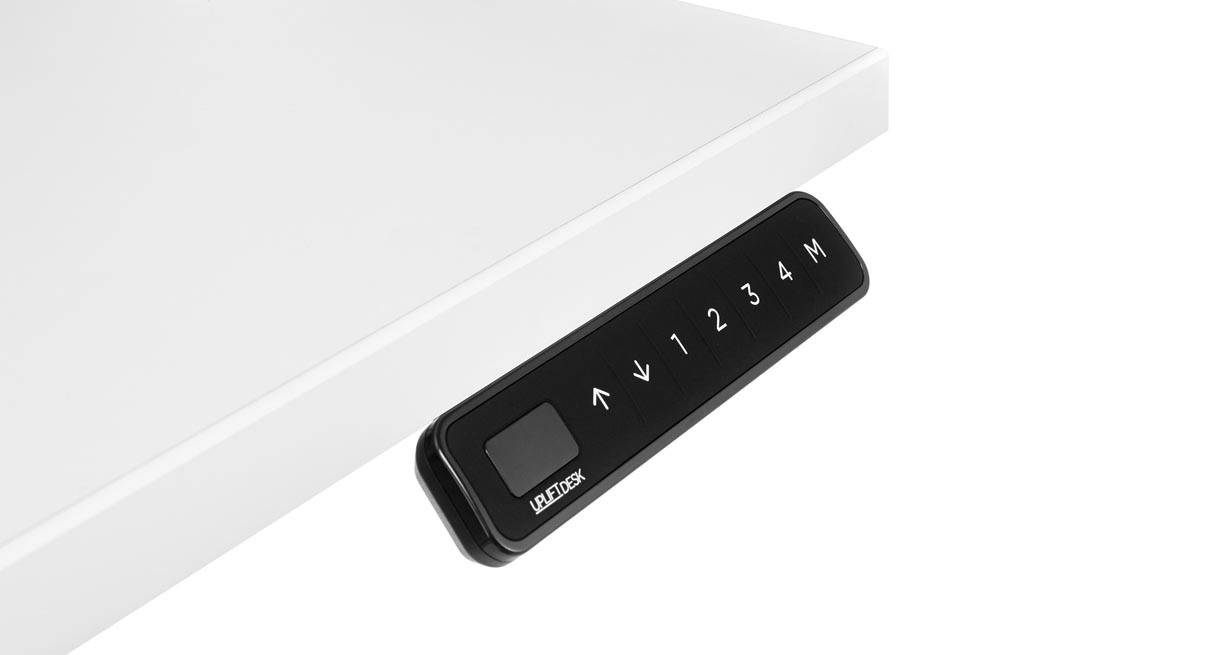
Four saved heights, plus limits you can set
The maker lists four saved positions and one-touch movement to a stored setting. That can make a repeated seated-to-standing change simpler than holding an up or down button through the full trip. You can also change the advanced keypad to constant-touch or double-tap modes if an accidental tap is a concern. The product page describes a keypad lock, min/max travel limits, height display and calibration, and adjustment of the control box’s anti-collision sensitivity. The LED display turns off after ten seconds idle. These controls help set boundaries and repeat a chosen height; they do not replace a careful clearance check for a shelf, chair, pet or cable, and a sensor cannot promise to detect every obstruction. The angled face is the main reason to prefer this FRM066 over the neighboring FRM703. Both are Advanced Comfort keypads with tactile rubber faces, four stored positions and advanced controls; FRM703 mounts flush at the edge instead. If you like the tilt, the FRM066 is the better fit. If you want a flatter, less projecting face, compare the exact FRM703 plan. A Basic Display keypad is simpler when saved heights are unimportant. FRM055 uses a paddle and two memories, while FRM076 adds RGB lighting but documents two saved heights. Do not expect this angled model to offer the RGB effects of FRM076 or the paddle action of FRM055.
Installation is part of the choice
UPLIFT’s two-page FRM066 instructions show the desk upside down during keypad installation. The booklet says its desktops have pre-drilled left- and right-side attachment holes, and lists two #10 × 5/8-inch screws supplied with the desk. It cautions against overtightening. If you relocate the keypad or use a top without prepared holes, the same manual allows 1/8-inch pilot holes no deeper than 1/2 inch. That is a maximum drilling depth—not permission to drill through a thin or unsuitable top. The included Clearance desktop is one inch thick, but measure from the underside and stop short of the finished face. The instructions also require a reset after assembly and send detailed keypad settings online. The FRM066 specification lists a 77-inch cable, molded-plastic housing, sealed molded-rubber buttons and a 15-year warranty. Route the cable so it cannot snag through the desk’s full travel. The selector’s no-grommet option adds no desktop cable opening or power module; a cable plan still matters even though the keypad itself is modest.
Fit the desk separately from the keypad
The included surface is exactly 42 inches long by 30 inches deep. Its shorter length can suit a compact wall, but the 30-inch depth still needs room for a chair and walkway. Measure the rectangle, not just the corner where a desk leg might land. This exact black C-frame plan has two lifting columns. The reused V3 C-frame sheet reports a 21.6–47.7-inch bare-frame range and a 355-pound lifting capacity that includes the desktop. Those numbers do not establish this desk’s finished-surface minimum, a static equipment rating, or usable payload after the top and accessories. If a low surface height or static-load threshold is essential, this plan cannot be assumed to pass it.
Who should shortlist this configuration?
Choose it when the 42 × 30 top fits your room and an angled display, tactile controls and four saved positions are specific benefits you will use. In the finder, an angled-keypad requirement and a four-position minimum select this functional plan; choose “no preference” if the controller shape does not matter. The fixed-top size is a separate ordinary fit decision. Advanced height and load filters should remain strict: unknown finished-surface height and static rating do not satisfy a must-have limit. A flush-control preference should point elsewhere, even though FRM703 shares several functions.
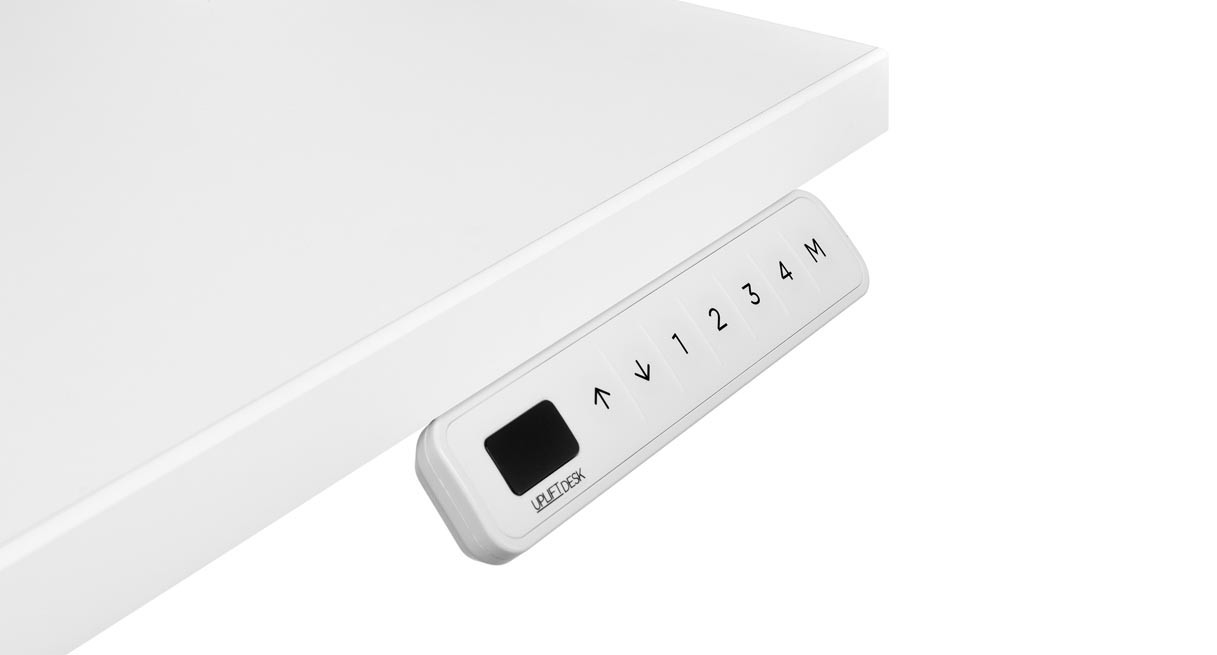
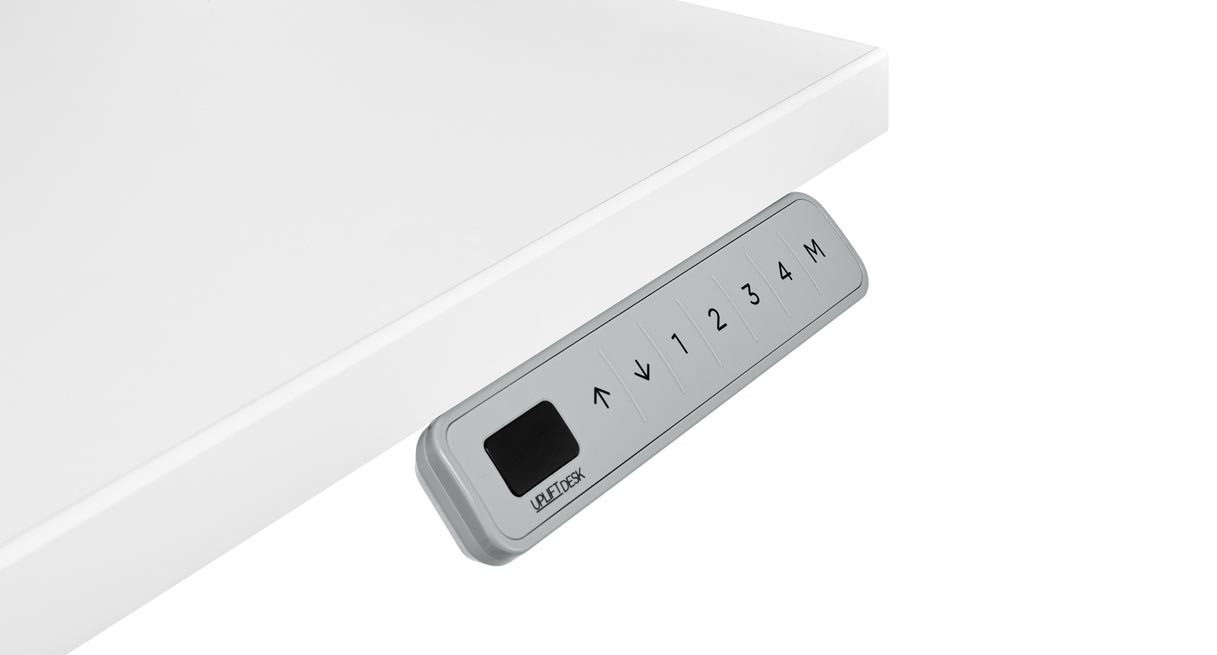
This is a source-based assessment, not a hands-on test of lift noise, wobble, assembly time or durability. Check the U.S. Clearance selector, the FRM066 product page, its exact instructions and spec sheet, and the selected V3 C-frame specification. The white and gray keypad images below show FRM066 color options only; they are not alternate top or frame versions of this selected desk.
Key details at a glance
| Minimum frame height without desktop | 21.6 in |
|---|---|
| Maximum frame height without desktop | 47.7 in |
| Leg count | 2 |
| Motor count | 2 |
| Narrowest frame width | 41.3 in |
| Widest frame width | 72.2 in |
| Minimum supported desktop width | 30 in |
| Maximum supported desktop width | 30 in |
| Programmable height presets | 4 |
| Cable tray included | No |
| Magnetic fabric cable cover included | No |
| Frame layout | rectangular |
| Built-in AC/USB power panel | No |
| Documented desktop material | laminate |
Use the exact model’s instructions for operating limits, supplied equipment and version differences.
Paper, software and setup details
Desktop and configuration note
This exact selection includes the fixed 42 × 30 × 1-inch Black Laminate desktop, black two-leg V3 C-frame, black FRM066-BLK Advanced Comfort Angled Keypad and the no-grommet choice. It does not include a selected powered grommet or built-in outlets, USB charging or cable tray.
Load-rating interpretation
The exact V3 C-frame specification states 355 lb lifting capacity and the maker says desktop weight is included. The reviewed sources do not establish a static equipment rating or usable payload for the selected top/frame plan.
Operating and setup note
UPLIFT lists four saved positions for FRM066 and describes an angled display, raised molded-rubber dividers, keypad lock, anti-collision sensitivity adjustment through the control-box sensor, one-touch, constant-touch and double-tap movement modes, upper/lower limits, height display and calibration; the display auto-offs after 10 seconds. The exact two-page manual specifies desk reset, mounting holes on both left and right sides of UPLIFT desktops, two #10 × 5/8-inch screws, a 1/8-inch pilot hole up to 1/2-inch depth at an alternate location, and refers to online settings/programming. Its spec gives 77-inch cable, molded-plastic housing, sealed molded-rubber keypad and 15-year warranty. The keypad changes controls and angle, not the desk lift frame or top.
Sources for this assessment
- UPLIFT Clearance Standing Desk — exact 42 × 30-inch Black Laminate / V3 C-frame / FRM066-BLK / no-grommet plan
- UPLIFT Advanced Comfort Angled Keypad product page
- UPLIFT Advanced Comfort Angled Keypad FRM066 instructions
- UPLIFT Advanced Comfort Angled Keypad FRM066 specification sheet
- UPLIFT V3 Standing Desk FV3-200 C-Frame instructions
- UPLIFT V3 C-frame specification sheet
- UPLIFT Clearance selector image for FRM066-BLK option value 5854
- UPLIFT Clearance selector image for FRM066-WHT option value 5855
- UPLIFT Clearance selector image for FRM066-GRY option value 5856


Choose a desk around your real setup.
Start with whether you need a complete desk or a converter for an existing fixed desk, then choose the support layout and surface package. Add exact height, top and cable constraints only when they matter.